What are the best capacity planning tools for IT? Explore the best IT capacity planning software with our guide.
Strong capacity planning is a powerful tool for IT and software firms juggling complex client projects. It’s what allows them to deliver high-quality projects without sweating the small stuff.
In this article, we’ll explore seven of the best IT capacity planning solutions to help you plan with confidence and deliver with consistency.
TL;DR – Best IT capacity planning tools 2026 🔮
IT capacity planning in spreadsheets doesn’t work or scale. High-performing IT and software businesses use a dedicated capacity management tool. This is essential when 90% of your cost base is people.
But which capacity planning software should you choose?
Our top pick for IT capacity planning is Runn
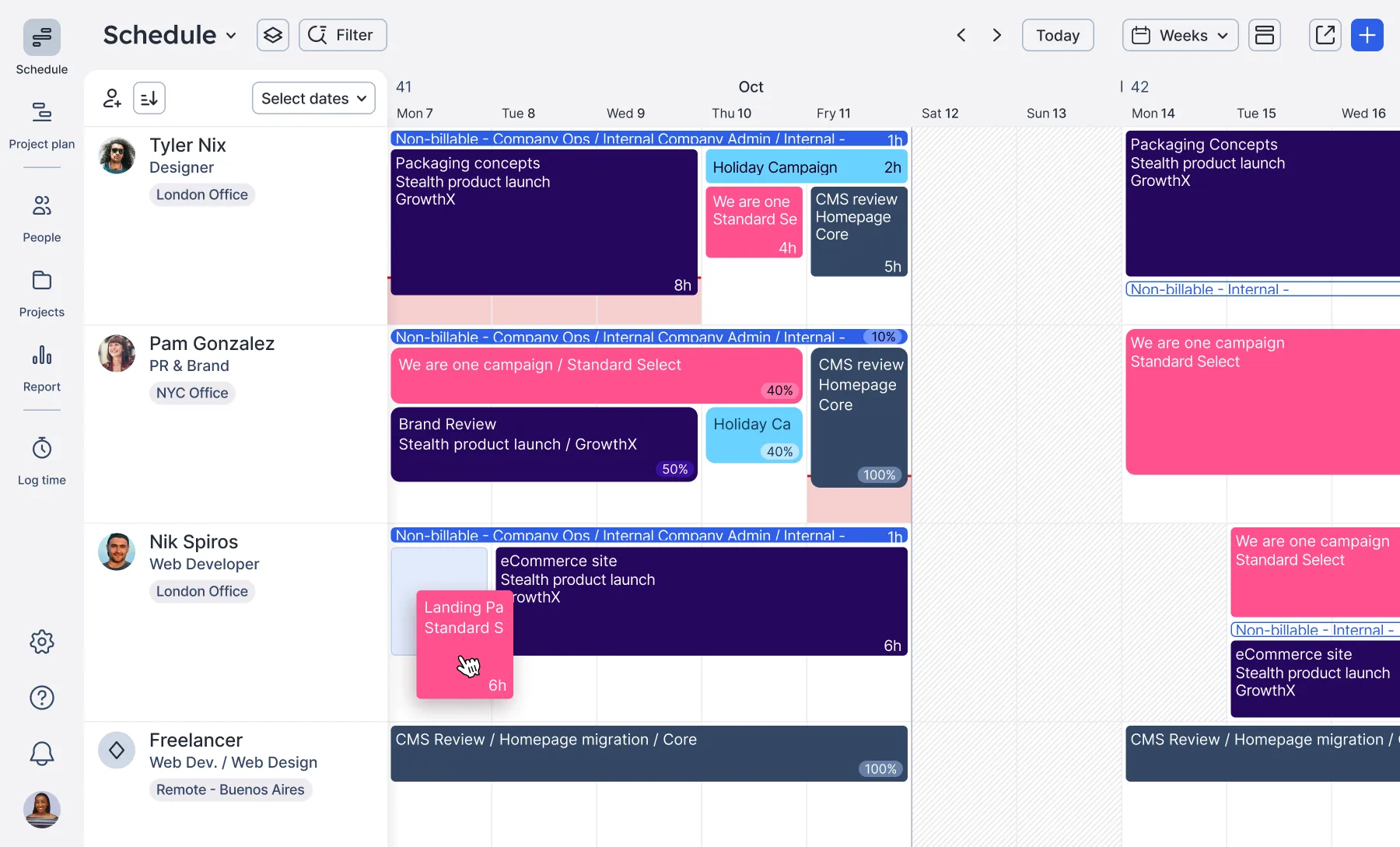
Float for visual planning
Productive for agility
Resource Guru for smaller teams
Saviom for enterprises
Scoro for PSA + RM combined
Teamwork for better workflows
Still curious? Keep reading to see how they compare. ⬇️
What are capacity management tools?
Capacity management tools help IT firms forecast demand, avoid resourcing surprises, and make confident staffing decisions. When capacity planning processes are weak, the risk of delivery problems rises fast, from missed deadlines to overworked teams.
They’re a must-have for teams that:
are looking for a smarter, more accurate way to forecast capacity against remand
want to understand which skills and capabilities are most in demand
are tired of battling with overworldly and slow spreadsheets
In short, capacity management software helps you plan your people and work with confidence.
What are the benefits of IT capacity management tools?
For many teams, capacity planning still feels complex and fragmented. You’ve probably seen it play out. One project runs late, a key engineer gets pulled across to help, and suddenly three timelines are at risk.
It doesn’t have to be this way. With the right tools in place to support and automate processes, capacity planning becomes clearer, faster, and more strategic.
In practice, successful capacity planning helps you:
Keep delivery on track by making sure the right people are available at the right time – before project timelines start to slip. Example: if a delivery lead can see that a key backend engineer becomes available next sprint, they can confidently schedule the next phase of work rather than delay or overcommit.
Decide whether to take on new work by comparing pipeline demand against future capacity and skills availability, rather than committing based on guesswork and figuring it out later. Example: when scoping a new client project, you can immediately see whether you have the right skills available – or whether hiring or upskilling is needed before committing.
See where future demand is likely to exceed capacity, so you can adjust plans before it becomes a delivery risk or reactive hiring. Example: you can model what happens if you win a large deal – whether your current team can absorb it, or whether you need to hire in advance.
Identify when IT resources are at risk of overcapacity, so you can rebalance work and avoid burnout.
Example: if a senior developer is assigned across three overlapping projects, you can spot the conflict early and redistribute work before it impacts delivery or team wellbeing.
Plancapacity by skill, not just role, which boosts quality by ensuring the most technically skilled people are assigned to tasks.
Example: assigning a React specialist instead of a generalist developer can reduce rework and speed up delivery on complex frontend builds.
Capacity planning software like those below lets you see every project, person, skill, and scenario in one clear view. So you can plan with clarity, not spreadsheets.
The right capacity planning tool depends on your team size, portfolio complexity, and how deeply you need to forecast and model demand. Here are some of the best options for IT and software delivery teams in 2026.
To compare these tools, we looked at how well they handle forecasting, day-to-day scheduling, skills-based planning, reporting, and overall usability.
1. Runn – best for overall IT capacity management
What is Runn?
Runn helps IT and software teams forecast capacity, allocate people effectively, and plan with confidence. A dedicated resource and capacity management platform, Runn has a strong focus on usability and actionable insights.
For strategic leaders, it offers advanced tools to optimize capacity to meet current and future needs, including:
Plus, it provides day-to-day functionality to help delivery leads and project managers keep delivery predictable, profitable, and on track, such as:
A centralized resource pool
Searchable skills database
Drag-and-drop resource allocations
Intuitive project planning
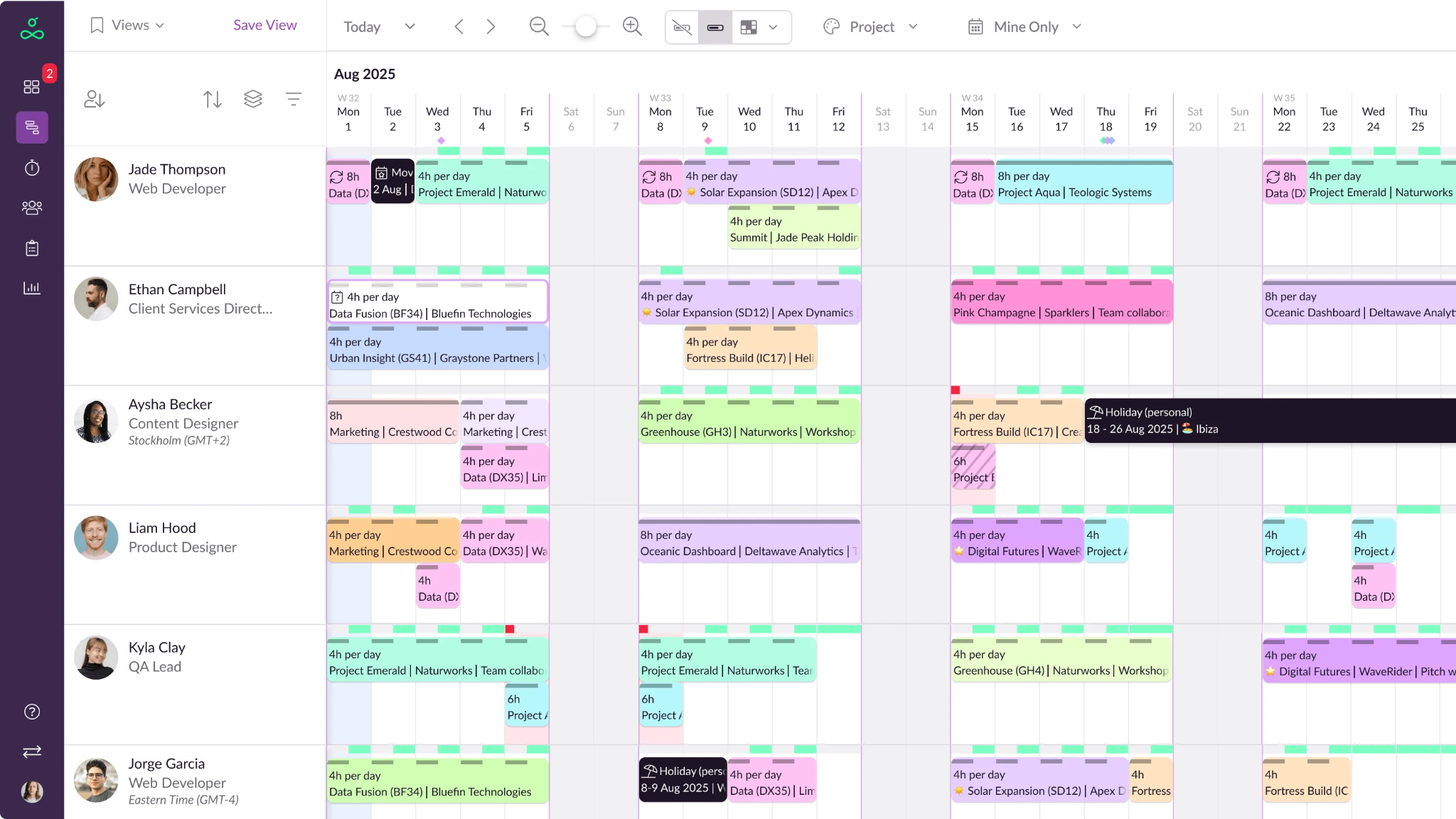
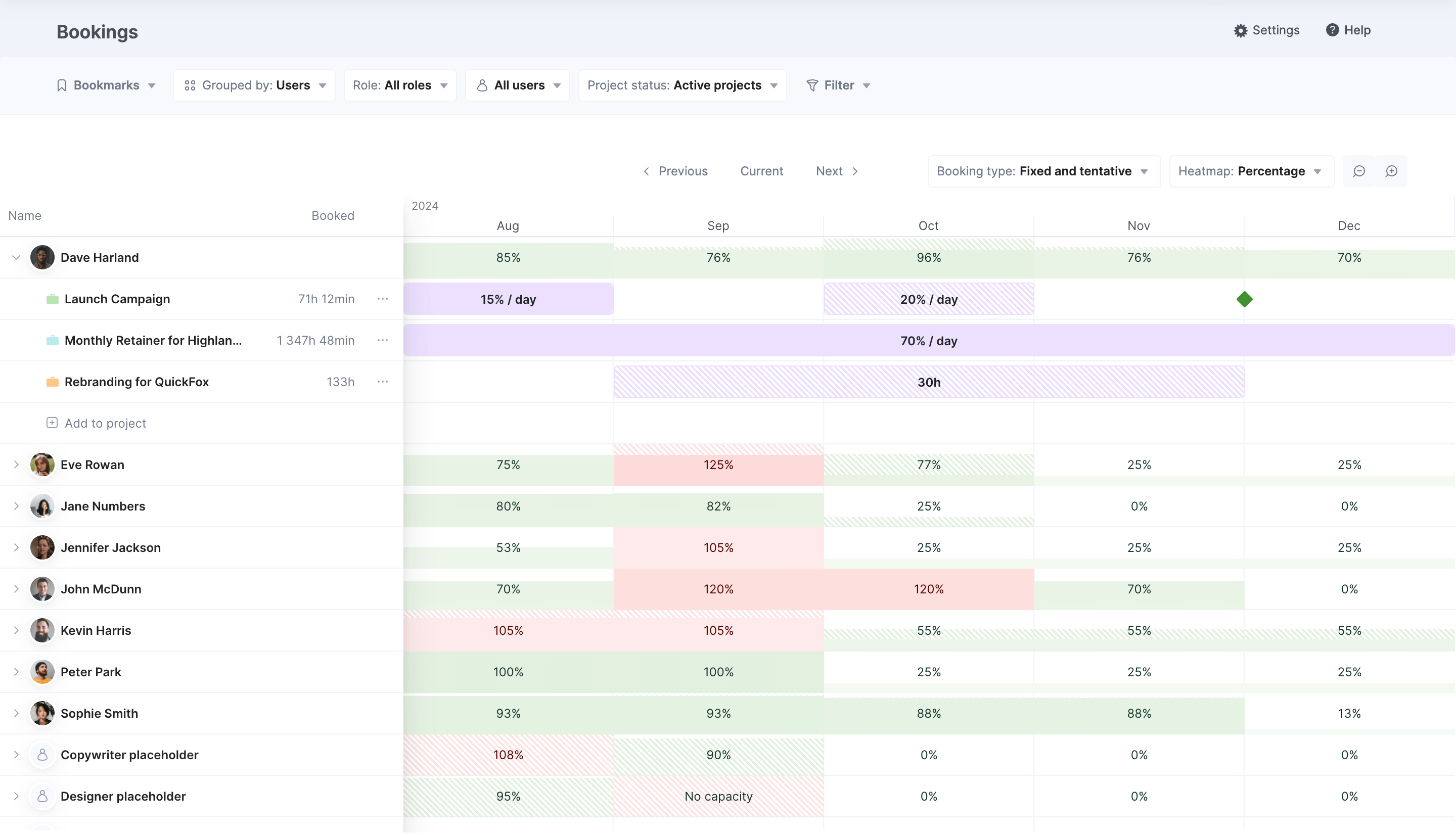
Runn's People Planner
Pros of Runn
Runn brings together forecasting, visibility, and usability to support both day-to-day resourcing and long-term planning, everything you need to create an effective strategic capacity management process without the cost or complexity of enterprise tools.
Purpose-built for IT teams
Runn was built specifically for project-based IT and software delivery teams. It grew from the frustrations that founders Tim and Nicole felt working in project-based businesses around resource allocations and capacity. They wanted to answer questions like:
Who’s working on what?
Are we using people's time strategically and profitably?
Can the business take on more work?
Who do we need to hire and when?
Why are our projects always delayed?
Do we have room for future growth?
Today, Runn is used by project-based firms to gain clarity over capacity.
Real-time reporting and visibility
Runn’s real-time data gives teams immediate visibility into capacity, utilization, and financial performance. This means delivery teams, finance, and sales can work from the same data without waiting for monthly reports or manual spreadsheet updates. Live data helps teams make faster, more accurate decisions about staffing current and upcoming work.
A massive plus-point of Runn is being able to accurately forecast and spot when we have capacity. It makes an enormous difference. We can really clearly anticipate if we have the availability to upsell to a client or initiate conversations about additional work, for instance.” – Nick Boni, Director of Digital, Lola Tech
Forward planning and forecasting
Capacity planning needs forward visibility, not just a view of what’s happening now. Runn lets you look far ahead to map resource supply against current and future demand. This lets you easily spot resource constraints and recruitment needs in time to take the most strategic action.
For example, you can see that a key skill gap will emerge in two months and start hiring or upskilling before it impacts delivery.
This is the difference between planning ahead and constantly catching up. Now, you can enjoy less last-minute hiring, fewer reactive resourcing decisions, and a lot less scrambling when something shifts.
The capacity planning chart really changed things for us. Being able to drill into a team and see where the cliffs are has been a huge benefit.”– Jason Mills, Director of Engineering, TribalScale
“What-if” planning
Scenario planning helps you test decisions before committing resources. Runn lets you stress-test your plans by visualizing the impact of winning new deals, delaying projects, or making specific allocations.
For example, you can model what happens if a project start date shifts or a new deal is won, and see the impact on capacity before committing.
Skills-based resource planning
Runn lets you assign people based on skills and capabilities, not just job titles.
Intuitive UX and high adoption
Transitioning to a new tool can be challenging. Intuitive software is far more likely to be used consistently across teams.
Runn’s UX is intuitive and user-friendly, because good UX = smooth transitions = high adoption = maximum ROI.
We needed a solution that was not only easy for our non-technical staff to use but also something that could quickly bring our global teams together. Runn’s intuitive UI was a key factor in our decision. Staff didn’t need any training, and the transition took just two days. The way our teams seamlessly adopted the platform speaks for itself – no complex training or coding was required, and everyone got up to speed in no time.”– Csaba Muhu, Head of Delivery and Operations Excellence, Ollion
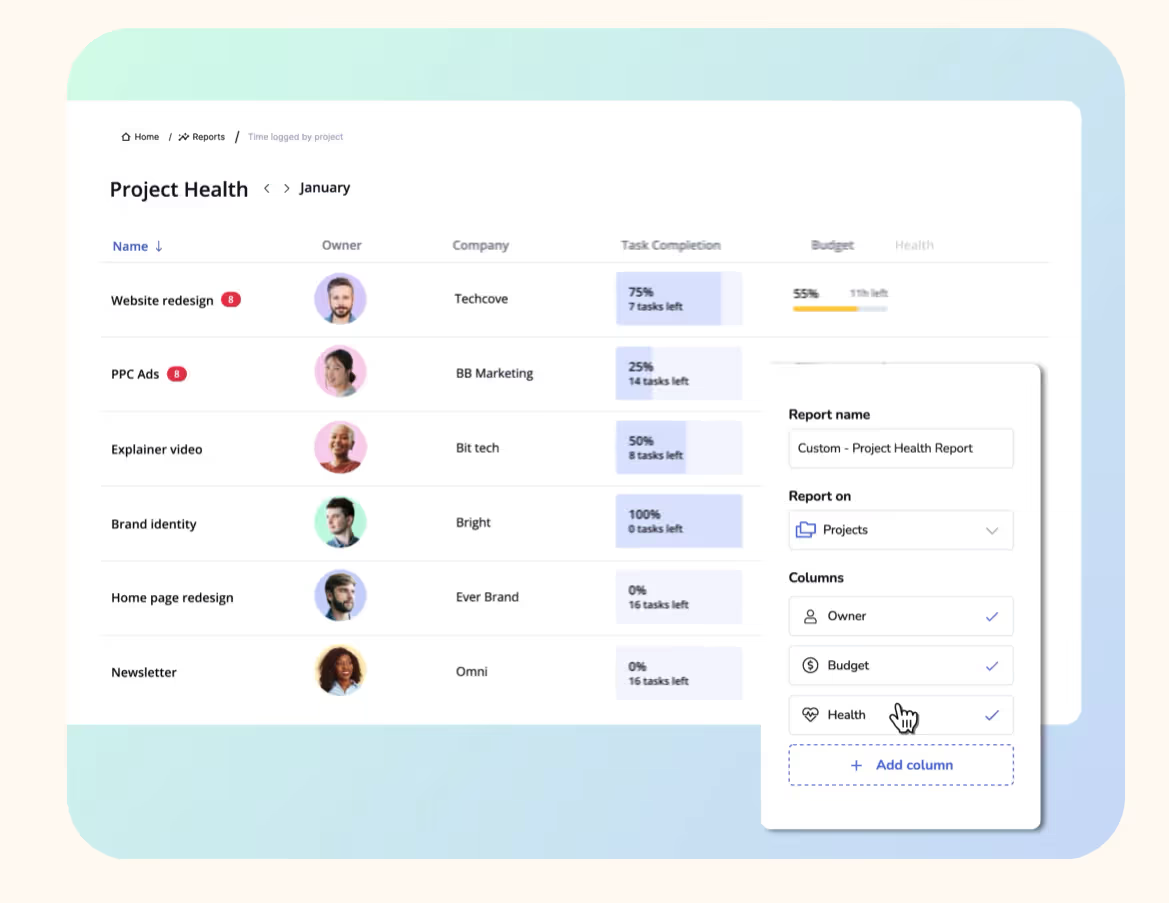
Utilization report
Top features for IT teams
People Planner – Live capacity, pipeline forecasting, skills visibility, clear allocations
Reporting/Insights – Real-time margin, resource utilization, cost, and financial impact
Integrations – Including with project management tools like Jira
Free trial – No credit card or commitment required
SOC2 compliant – Runn includes strict protocols covering infrastructure security, user permissions, data and privacy, encryption, continuity and disaster recovery, and more. Find out more on Runn’s Trust Centre.
Pricing
Starts at $7 per resource per month
Volume discounts start at 100+ seats
2. Float – good for visual planning
What is Float?
Float is a lightweight, visual scheduling tool best suited for teams that prioritize simplicity and speed. Known for its clean interface and ease of use, it’s ideal for small to mid-size teams with less complex use cases.
Pros of Float
Highly visual and attractive UI: drag-and-drop scheduling board is clean, attractive, and easy to navigate.
Fast to implement and shallow learning curve: compared to larger enterprise tools, Runn can be deployed quickly. Minimal onboarding time required.
Suite of useful integrations, e.g., Slack and HubSpot.
Strong core scheduling functionality: excels at day-to-day resource allocation and short-term planning, making it effective for operational capacity management.
Cons of Float
Limited forecasting: strong for short-term scheduling, but somewhat basic forecasting compared to more advanced capacity planning platforms.
Limited scenario planning: robust “what-if” scenario planning, not a feature of the platform.
Lacks reporting depth: functional but not as comprehensive as enterprise-grade tools.
3. Productive – good for all-in-one ops management
What is Productive?
Productive combines resource planning, project management, and financials into a single platform for larger IT service firms. It links resources to projects and financial performance, helping firms manage people more profitably. It’s best suited to teams that want to connect resource planning with financial performance.
However, the functional footprint does increase product complexity. For teams new to integrated operations software, there may be an adjustment period while they get used to Productive.
Pros of Productive
All-in-one tool for resource, project, CRM, and financial management: reduces the need for multiple disconnected tools and supports holistic visibility.
Strong integrations with HR tools: easy to consolidate workflows by connecting with existing tools.
Cons of Productive
Setup and onboarding complexity: initial configuration and learning curve can be significant.
Cost: pricing starts at $10 per resource per month, which can quickly add up for larger teams.
Productive pricing
Starts at $10 per resource per month
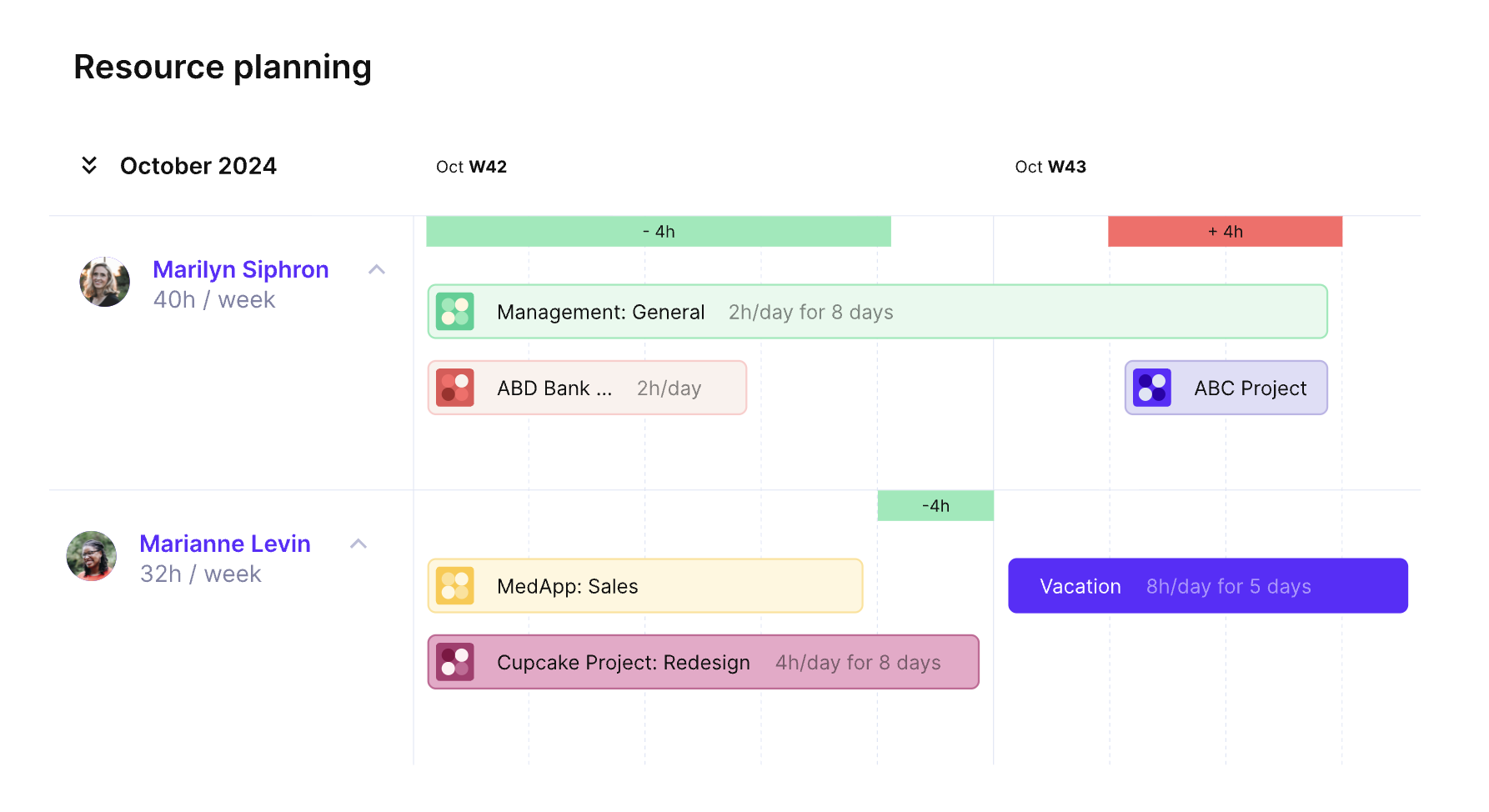
4. Resource Guru – good for smaller teams
What is Resource Guru?
Resource Guru is a simple, visual scheduling tool designed for smaller teams that need quick capacity visibility.
It’s well-suited to smaller IT teams or service-based organizations that need straightforward capacity visibility without the overhead of a complex implementation.
Pros of Resource Guru
Intuitive interface needs minimal training: most teams can get up and running quickly with Resource Guru, reducing onboarding friction and encouraging adoption.
Real-time visibility into bookings and availability: managers can quickly see who is booked, who is available, and where scheduling conflicts may occur.
Resource utilization reports to identify capacity gaps: the platform includes utilization reports that help identify overbooked or underutilized resources.
“Clash management” to prevent instances of double-booking: Waiting List feature helps you reserve those in-demand resources ahead of time.
Cons of Resource Guru
Advanced reporting only for higher payment tiers: more detailed analytics and reporting features are only available on higher pricing plans.
Lacks advanced project management features: primarily focused on resource scheduling rather than end-to-end project management.
Resource Guru pricing
$6.65 per user per month for a plan with reports
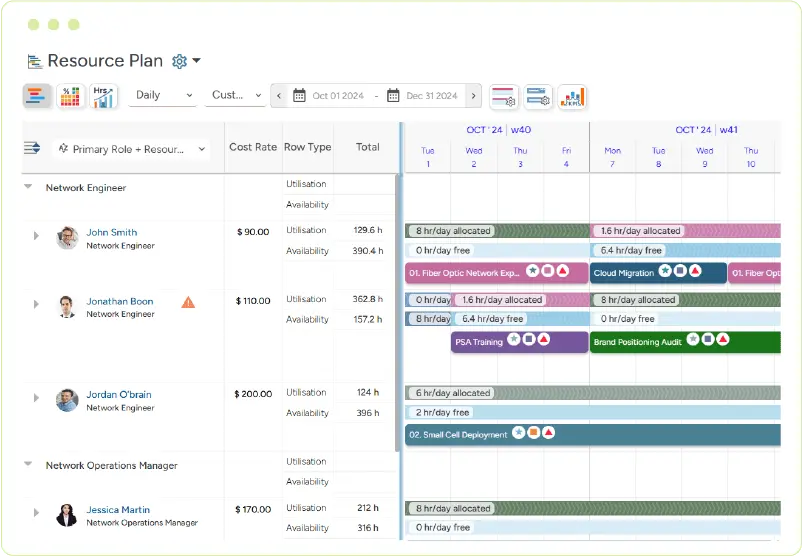
5. Saviom – good for enterprises
What is Saviom?
Saviom is an enterprise-grade resource capacity planning platform built for complex, large-scale resourcing environments.
While its functionality is strong, users have noted that it isn’t always pretty. Unlike more modern, visually streamlined tools, Saviom requires careful configuration and onboarding to unlock its full potential.
But it’s still a strong choice for large organizations with complex forecasting and capacity needs.
Pros of Saviom
Excellent visibility into resources and projects: provides detailed insights into resource allocation across projects, departments, and locations.
Demand forecasting for current and pipeline projects: helps teams anticipate potential bottlenecks before they impact delivery.
Scenario modeling and ‘what if’ analysis: allows for data-driven decision-making under multiple potential conditions. Stress-test plans before committing.
Cons of Saviom
Complex solution with a steep learning curve: requires significant training and onboarding. Users may struggle without dedicated implementation support.
Not ‘out of the box’ ready: often needs considerable setup to configure resources, hierarchies, and workflows to match your particular organizational requirements.
Outdated user interface: less modern and visually intuitive than many newer resource management solutions.
Saviom pricing
Pricing on request
Based on different tiers of user
6. Scoro – good for PSA
What is Scoro?
Scoro is a Professional Services Automation (PSA) platform that combines resource planning, project management, and financial tracking.
However, smaller teams or organizations seeking a lightweight, out-of-the-box scheduling tool may find it overly complex and potentially expensive. It’s better suited to firms already operating with a PSA model
Pros of Scoro
Utilization and capacity reporting: provides actionable insights into how resources are being used.
Live current capacity heatmaps for visual insights: allow teams to quickly understand resource availability at a glance, making it easier to allocate staff efficiently across projects.
AI-powered insights: AI tools help identify trends and provide predictive analytics to support smarter planning decisions.
Cons of Scoro
Complexity means a steep learning curve: new users may need time and training to become fully proficient.
Cost reflects the larger functional footprint: the most pricey option on our list. Higher cost reflects the platform’s rich functionality.
Initial customisation can take time: teams often need to invest time in configuring Scoro, which can delay full deployment.
Scoro pricing
Starts at $19.90 per user per month
7. Teamwork – good for better workflows
What is Teamwork?
Teamwork is a project management platform with built-in resource and capacity planning features for client delivery teams.
Pros of Teamwork
Real-time capacity visibility: enables managers to identify bottlenecks, reassign tasks, and optimize team workload on the fly.
Predictive AI for resource allocations: helps recommend the best-fit resources for projects.
Long-term forecasting capabilities: allow teams to plan ahead, projecting resource needs for upcoming projects and campaigns.
Integrated collaboration features: Combines task management, messaging, time tracking, and file sharing, so teams can communicate and execute without leaving the platform.
Cons of Teamwork
Complexity means a steeper learning curve: can be overwhelming for new users.
Cost reflects the larger functional footprint: costs can add up for larger teams or when accessing advanced AI and reporting features.
Some reports of ‘laggy’ performance on larger projects: dashboards and reporting can feel sluggish with larger datasets.
Teamwork pricing
Starts from $15 per user per month
Try Runn’s capacity planning features for free
If you want to improve capacity planning without adding complexity, Runn can help.
Try it free for 30 days – no credit card required. Explore our sandbox environment and data, or import your own for the most realistic experience.
A single source of truth for capacity planning. Runn brings your people, projects, and plans into one place – helping you move from reactive resourcing to confident, proactive delivery. Start your free 30-day trial.

.png)